
A little direction, at your pace.
Make room for what matters with a simple daily list, flexible planning, and a quieter place to focus.
Start with today
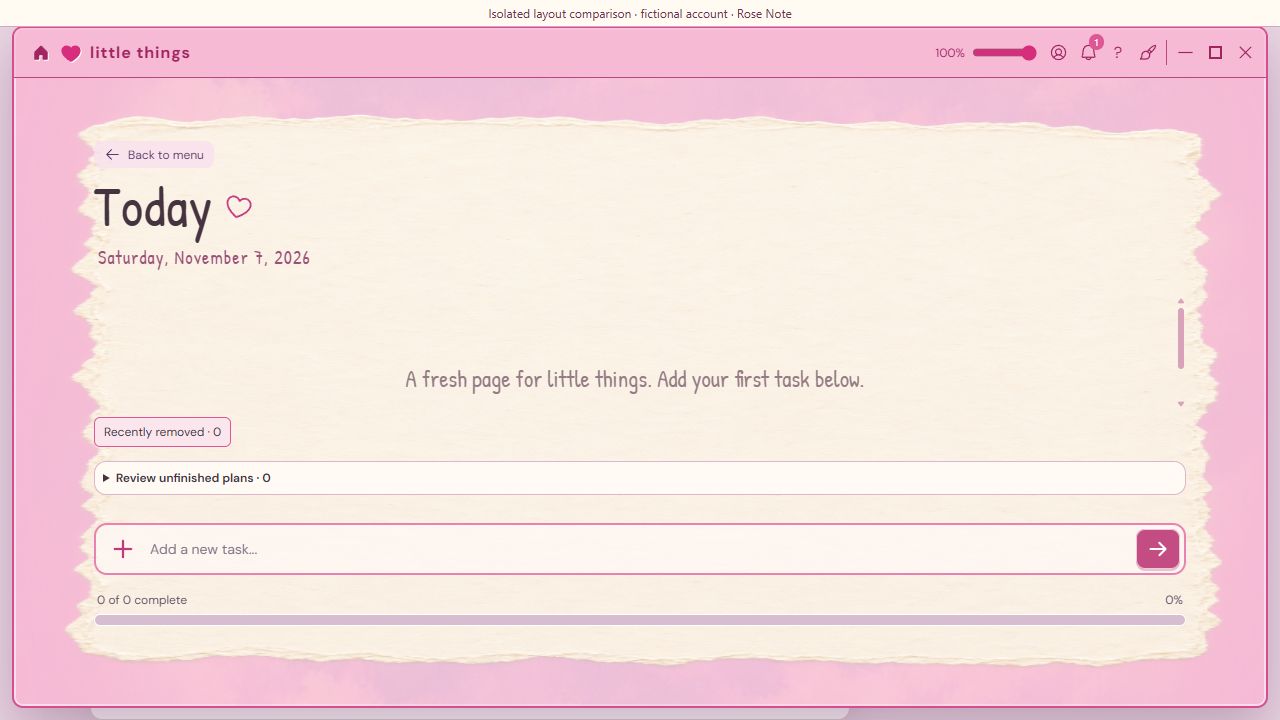
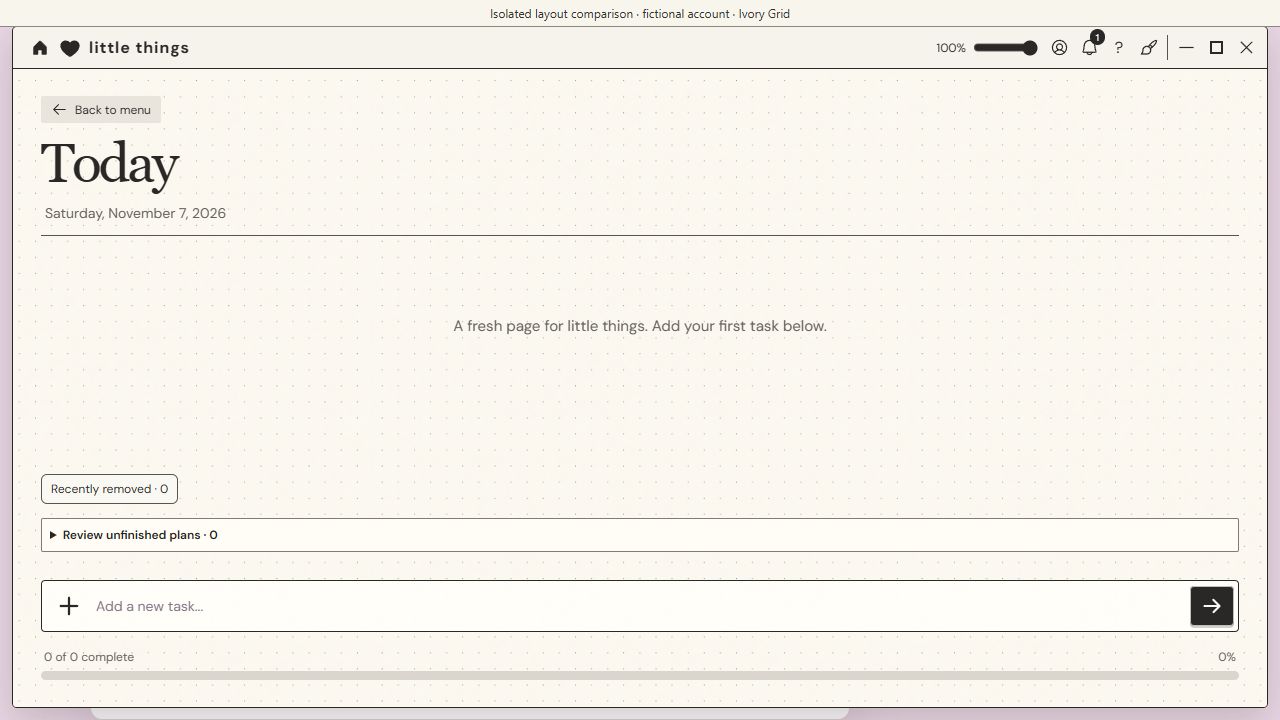
A flexible list to guide your day. Keep what matters in view, tick things off as you go, and leave room for a change of plan.
 Make your next step clearWrite priorities for today, big or small.
 Keep reminders closeChoose a reminder for something you want to return to.
 One dated task, in both placesToday’s list and the matching Planner to-do rows use the same dated tasks.
See the week ahead
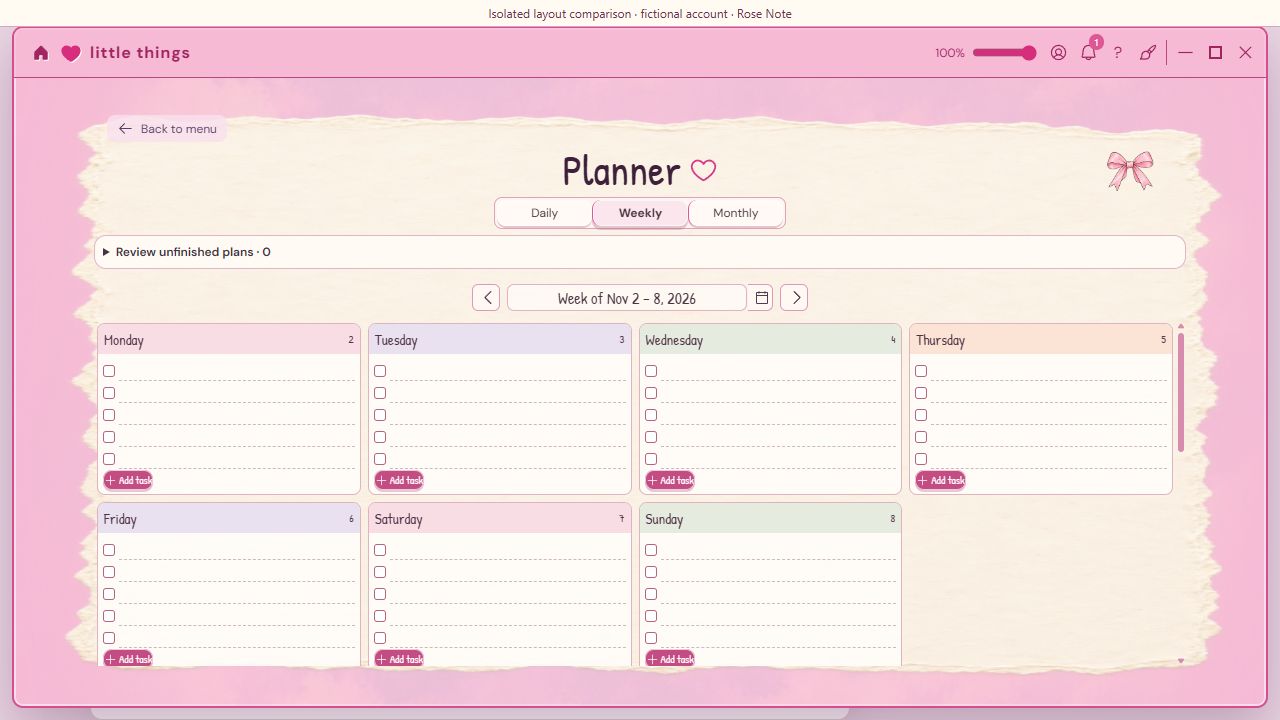
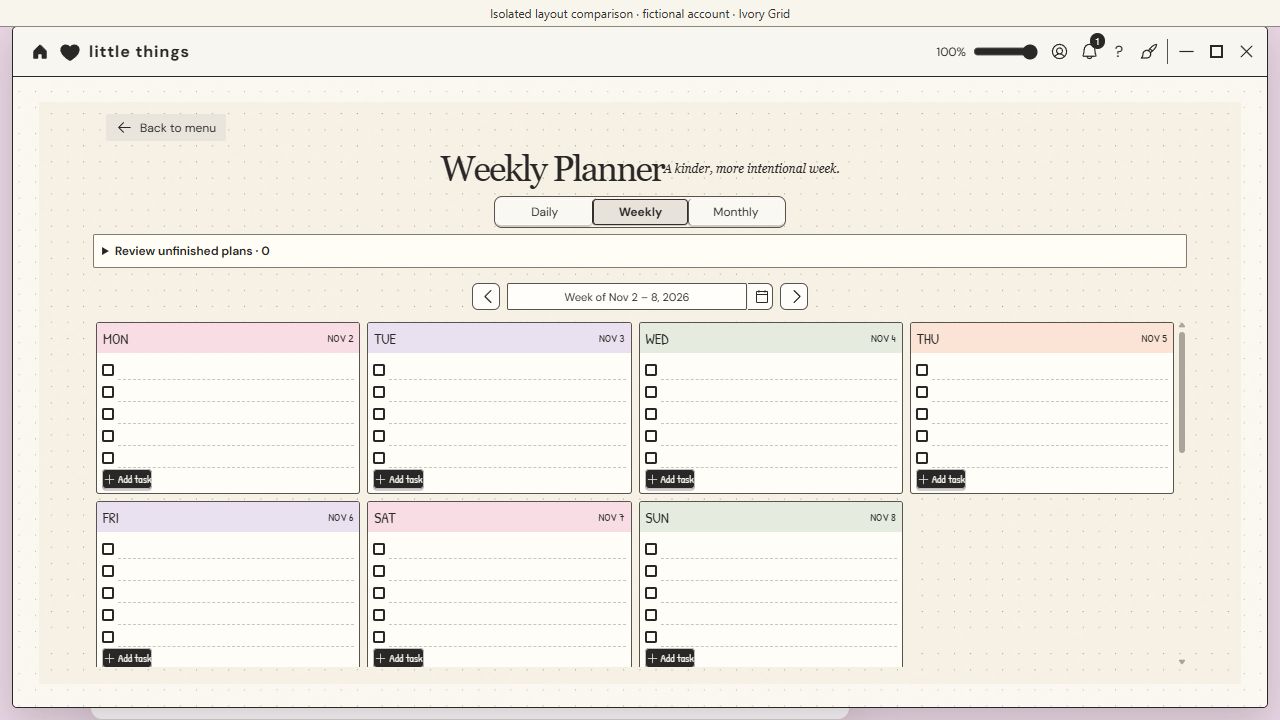
Switch between daily, weekly and monthly Planner views. Make room for to-dos, priorities, your schedule, goals, habits and a few notes to yourself.
Plan on the date that suits you. Future tasks stay with their day instead of crowding today’s list.
One thing at a time
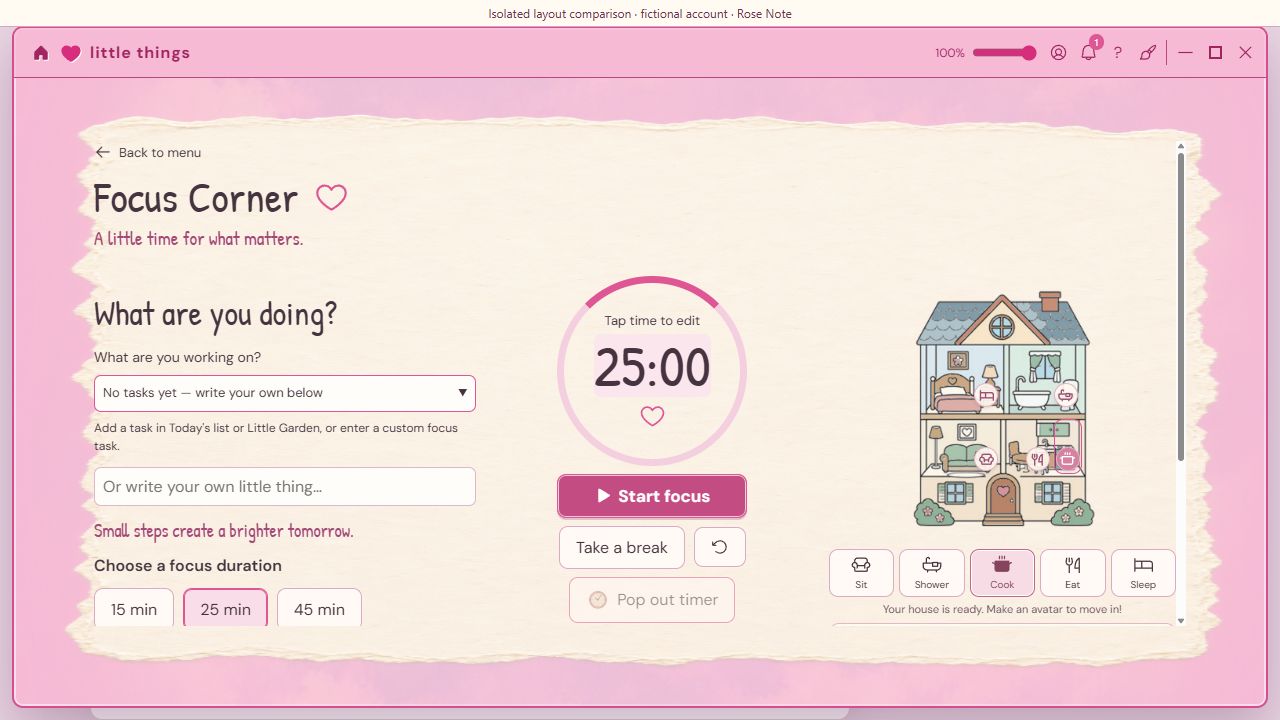
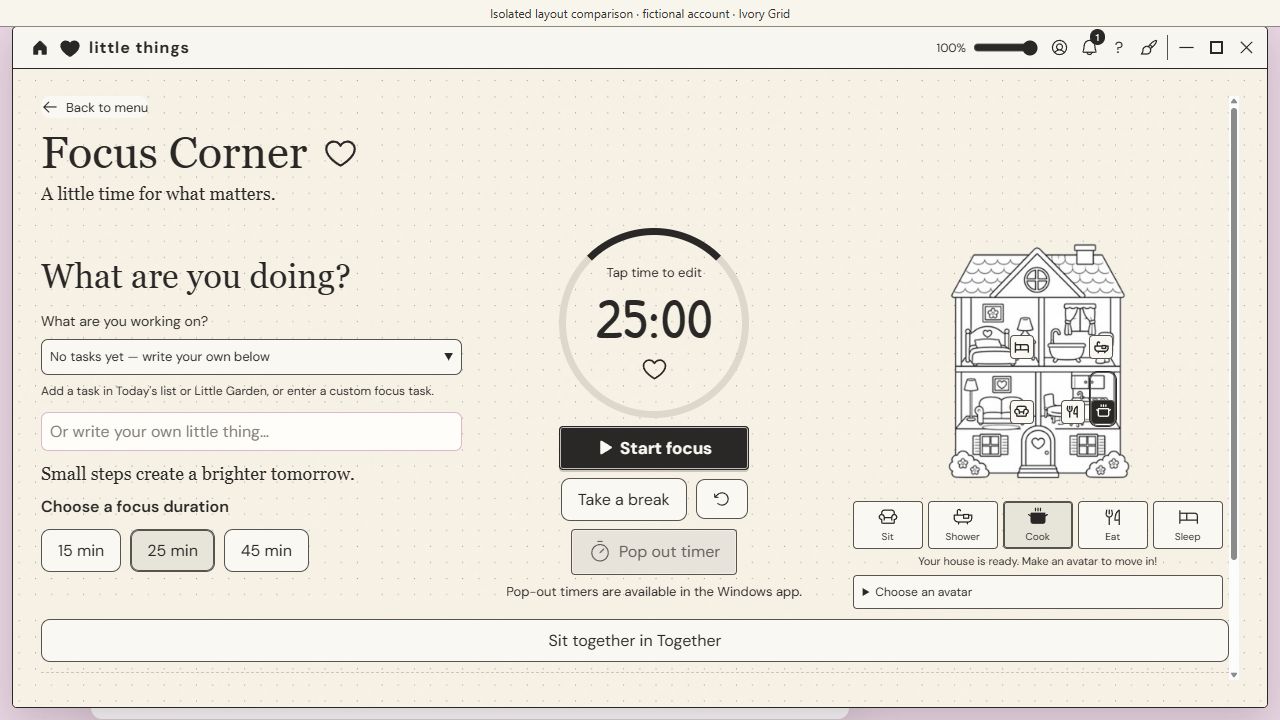
Give your focus a quieter space, then see selected efforts reflected in Little Garden.
- Choose a focus durationSettle into a session, take a break, or keep the timer in its own window.
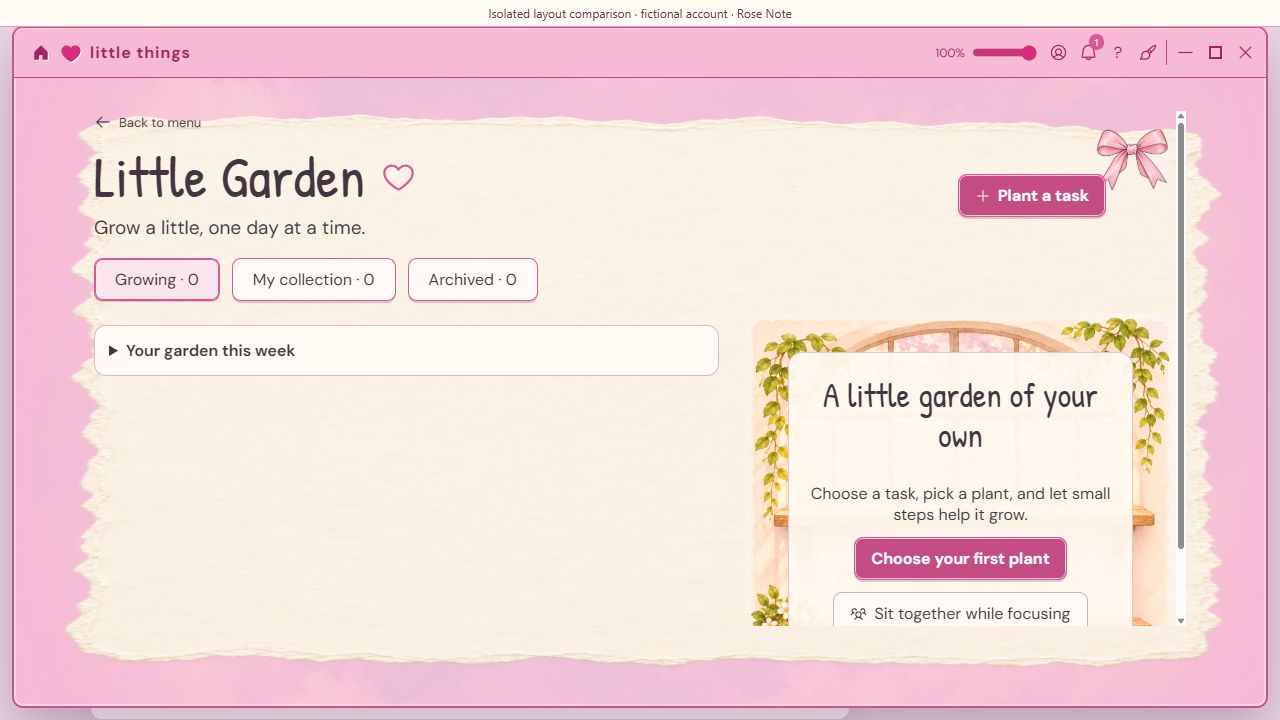
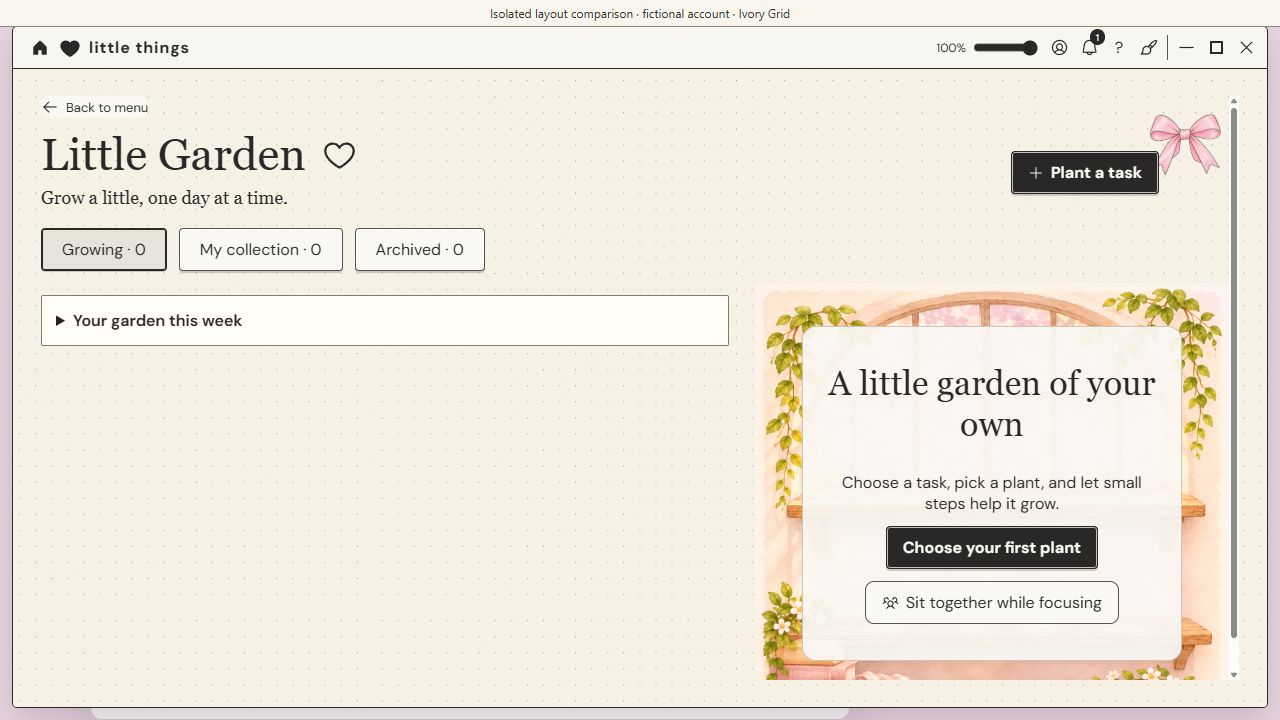
 Link a little intentionConnect selected tasks, habits or focus goals to a plant and follow its progress.
 Keep your own paceA plant follows its chosen goal. Time-based goals need focus time; a checkbox does not skip that work.
A few little answers
Do I have to use every section?
No. Choose the sections you want from Edit menu. Hiding a section keeps its saved content, and you can show it again later.
Can I keep my work?
Your personal content stays on your device. Use the app’s export and backup tools to keep your own copy. Signing in does not upload your personal files.

€4.99 / month · €49.99 / year
Base prices include applicable tax. Paddle confirms the final amount before payment.Windows desktop · Account and internet verification required